> For the complete documentation index, see [llms.txt](https://docs.codpeller.com/ru/llms.txt). Markdown versions of documentation pages are available by appending `.md` to page URLs; this page is available as [Markdown](https://docs.codpeller.com/ru/socialnye-dokazatelstva/rukovodstvo-po-produktu/vsplyvayushee-soobshenie/nedavno-kuplennyi-tovar.md).
# Недавно купленный товар
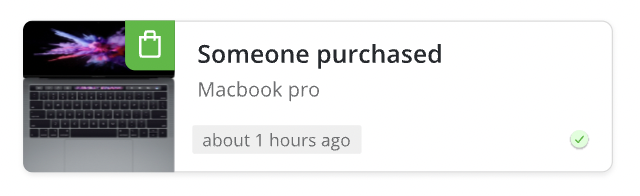
Рис. 30
Сообщение работает рандомно (случайные данные) и не рандомно (на реальных показателях магазина).
При наведении курсора мышки на сообщение, оно не пропадает, если курсор убрали, то после заданного времени (Рис.30а, строка “длительность показа”) сообщение скрывается.
Время показа сообщения начинаем считать с момента увода мышки (если ее завели, или с начала показа сообщения если нет), при заводе мышки обратно счетчик отключается, при выходе начнет считать от заданной длительности.